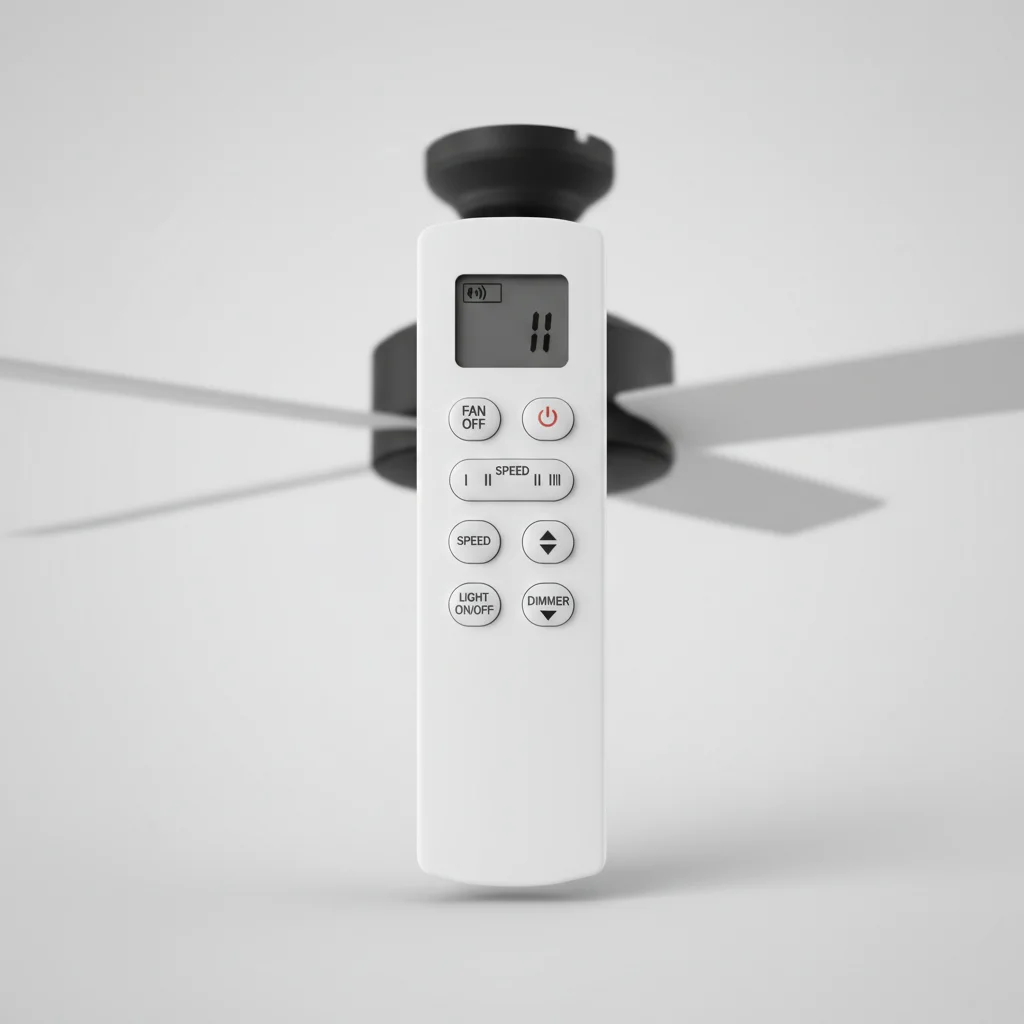
Programming your ceiling fan remote control is a straightforward process that typically takes less than five minutes. Most modern ceiling fans with remote capabilities use a simple pairing method, often involving a sequence of button presses on both the remote and the fan’s receiver unit. Understanding the specific steps for your model ensures seamless operation and convenience, allowing you to adjust fan speed and lighting from anywhere in the room.
Understanding Your Remote and Receiver
Before you begin programming, it’s crucial to identify the type of remote control and receiver your ceiling fan uses. Many systems utilize DIP switches (small physical switches inside the remote and receiver) for code matching, while newer models often employ a ‘learn’ button or an automatic pairing function. The receiver is usually located within the fan’s canopy, the part that attaches to the ceiling. Consult your fan’s manual to confirm the exact type of system you have, as this will dictate the programming method. For best ceiling fans roundups on this site.
If your remote uses DIP switches, you’ll need to open both the remote’s battery compartment and the fan’s canopy to access these switches. Ensure the power to the fan is turned off at the circuit breaker before opening the canopy for safety. The goal is to match the switch pattern on both the remote and the receiver.
Programming Methods: DIP Switches vs. Learn Button
For ceiling fans with DIP switches, the programming process involves setting the switches on both the remote and the receiver to an identical pattern. There are typically 4 to 16 switches, allowing for numerous unique codes to prevent interference with other remote-controlled devices in your home. Once the patterns match, reassemble the components, restore power, and test the remote. If it doesn’t work, try a different switch pattern.
Fans with a ‘learn’ button are generally easier to program. After restoring power to the fan, locate the ‘learn’ button on the receiver (often a small, recessed button). Press and hold this button for a few seconds, then immediately press a button on your remote (often the ‘fan’ or ‘light’ button). The fan or light should blink or turn on, indicating successful pairing. Some systems require you to press and hold a specific button on the remote for 5-10 seconds after power is restored to initiate the pairing sequence.
Troubleshooting Common Programming Issues
|
Our Picks for the Best Ceiling Fan in 2026
As an Amazon Associate I earn from qualifying purchases.
|
||
| Num | Product | Action |
|---|---|---|
| 1 | 41 inch Ceiling Fans with Lights, Black Flush Mount Ceiling Fan with Remote, 3CCT, LED Dimmable, Reversible, 6 Fan Speeds, Quite Low Profile Ceiling Fan with Lights Modern Bedroom Kitchen Indoor |

|
| 2 | 41" Black Low Profile Ceiling Fans with Lights and Remote, Modern Flush Mount Ceiling Fan Light with Quiet Reversible DC Motor for Bedroom Kitchen |
|
| 3 | ZMISHIBO Ceiling Fans with Lights and Remote, 19.7'' Low Profile Ceiling Fan, 3000-6000K Dimmable Modern Flush Mount LED Fan Light, 6 Wind Speeds, Black Fandelier Ceiling Fans for Bedroom |
|
| 4 | OJX Ceiling Fans with Lights, 52 inch Ceiling fan with Light and Remote/APP Control, 3CCT, Quiet DC Reversible, Dimmable, Modern Ceiling Fan for Bedroom, Living Room, Kitchen, Indoor/Outdoor Use |
|
| 5 | Passky Ceiling Fans with Lights, 52 inch Sleek Ceiling Fan with Light and Remote Control, 3CCT, Dimmable, Reversible, Noiseless, Black Ceiling Fan for Bedroom, Living Room |
|
| 6 | Ceiling Fans with Lights, 42 Inch Ceiling Fan with Light And Remote, 3CCT Flush Moun Low Profile Ceiling Fans, 6 Speed Noiseless LED Ceiling Fan, Black Ceilings Fan with Remote for Bedroom Living Room |
|
| 7 | Ceiling Fan with Light, 40" Black Flush Mount Ceiling Fans with Remote Control,3CCT Dimmable LED, ABS 5-Fan Blades,Reversible Motor,Quiet Low Profile Indoor fandeliers for Bedroom Living Room |
|
| 8 | Amico Ceiling Fans with Lights, 42 inch Low Profile Ceiling fan with Light and Remote Control, Flush Mount, Reversible, 3CCT, Dimmable, Noiseless, Black Ceiling Fan for Bedroom, Indoor/Outdoor Use |
|
| 9 | ZMISHIBO 52 Inch Ceiling Fan with Light, App&Remote Control, Flush Mount Low Profile, Dimmable 20W LED Light, Quiet Reversible Motor for Bedroom, Living Room, Apartment, Black |
|
| 10 | Passky Ceiling Fans with Lights, 52 inch Flush Mount Ceiling fan with Remote Control, Low Profile Ceiling Fan for Bedroom, Farmhouse, Reversible, 3CCT, Dimmable, Noiseless DC Motor, Black |
|
If your ceiling fan remote isn’t programming correctly, several common issues might be at play. First, check the batteries in your remote; weak batteries are a frequent culprit. Second, ensure the power to the fan was completely off before you started and then fully restored. Sometimes, a quick power cycle (turning the breaker off for 30 seconds and then back on) can reset the system and facilitate programming.
Interference from other remote-controlled devices, such as garage door openers or other ceiling fans, can also cause problems. If you suspect interference, try changing the DIP switch pattern (if applicable) or moving the fan to a different frequency if your model allows. Always ensure you are within the recommended range of the fan when attempting to program the remote.
- Verify fresh batteries are installed in the remote.
- Confirm the circuit breaker for the fan was cycled correctly.
- Check for any obstructions between the remote and the fan’s receiver.
- Ensure DIP switch patterns (if present) are identical on both units.
- Consult the fan’s specific user manual for unique programming steps.
When to Consider a Replacement Remote or Receiver
If you’ve exhausted all programming and troubleshooting steps and your ceiling fan remote still isn’t working, it might be time to consider replacing either the remote, the receiver, or both. Remotes can wear out over time, and receivers can fail due to power surges or age. Before purchasing a new unit, verify compatibility with your existing fan model. Many manufacturers offer universal remote kits that include both a new remote and a receiver, providing a complete solution.
When replacing a receiver, remember to turn off the power at the circuit breaker and carefully follow the wiring instructions provided with the new unit. If you’re unsure about electrical work, it’s always best to consult a qualified electrician. A new remote and receiver can often extend the life and functionality of an otherwise perfectly good ceiling fan.Consider upgrading to a smart remote system for enhanced control and integration with smart home platforms.

My old fan remote stopped working, and I thought I’d have to call an electrician. Turns out, it was just a matter of reprogramming it. I had to open up the remote and the fan’s canopy to find the DIP switches, which was a bit fiddly, but the instructions were clear. Everything’s working great now, though I wish the switches were easier to access.
This was exactly what I needed! My fan’s remote was acting up, and I couldn’t figure out why. Realized I needed to re-pair it. The tip about checking the receiver unit in the fan’s canopy was super helpful, as I didn’t even know that was a thing. Now I have full control over my fan speed and lighting again, which is awesome for movie nights.
I was dreading programming my new ceiling fan remote, but this guide made it so simple. I have a newer model with the ‘learn’ button, and following the steps for that type of system worked perfectly. It really did only take a few minutes, and now I can finally adjust the speed without getting out of bed. Huge time-saver!
I tried to program my remote using the button sequence mentioned, but it didn’t quite work for my specific fan. I think my receiver unit might be a bit older or a different brand than what was covered. I eventually got it to pair after a lot of trial and error, but it wasn’t as quick as the five minutes suggested. Still, it gave me a good starting point.