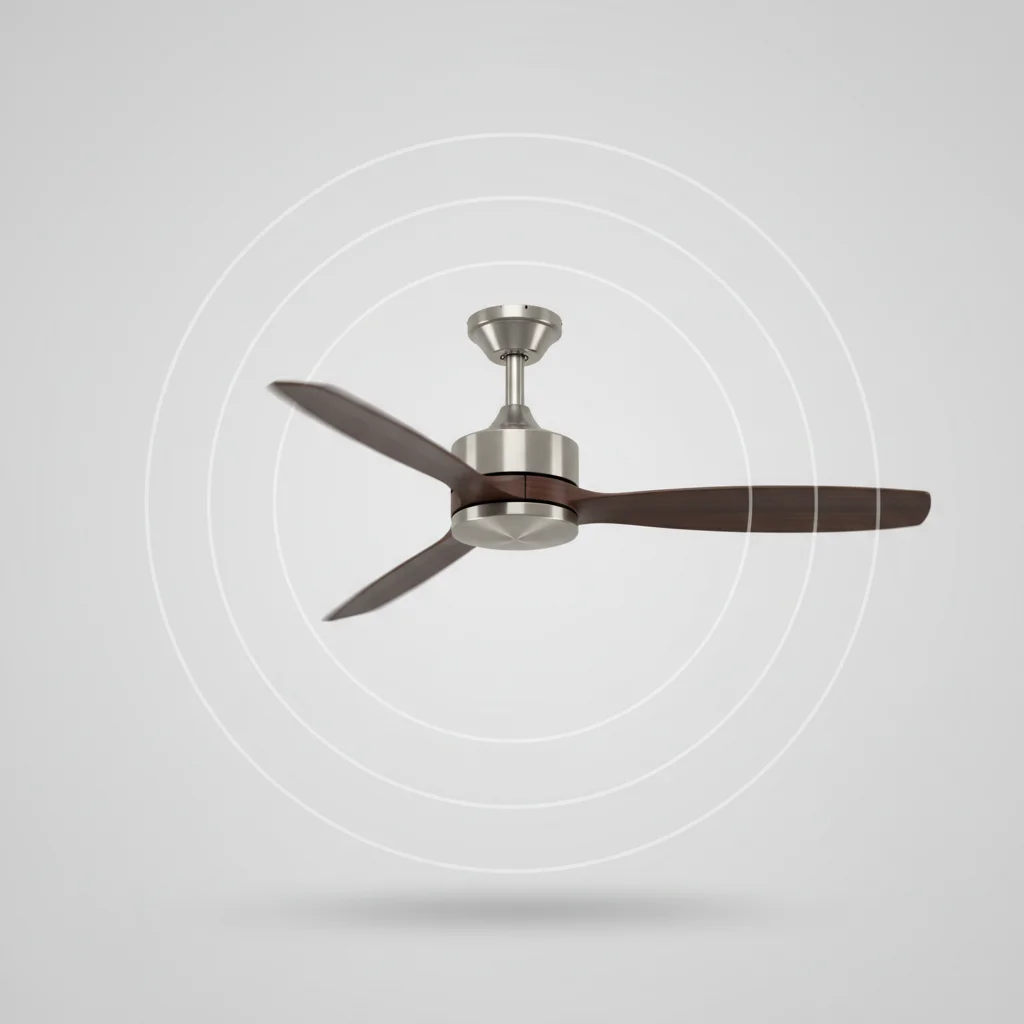
A wobbling ceiling fan is typically caused by unbalanced blades, which can often be fixed with a simple balancing kit. However, other factors like loose mounting hardware, bent blade irons, or warped blades can also contribute to this issue. Identifying the specific cause is crucial for a stable and safe ceiling fan operation.
Understanding Why Your Ceiling Fan Wobbles
Ceiling fans can start to wobble for various reasons, often related to installation or wear and tear over time. A frequent culprit is an uneven distribution of weight among the blades. This can happen if a blade gets slightly bent, or if the screws holding the blades to the blade irons become loose. Even a small difference in weight or alignment can create a noticeable wobble, especially at higher speeds.
Checking for Loose Mounting Hardware
Before addressing blade issues, always check the fan’s mounting hardware. A loose downrod, canopy, or mounting bracket can cause significant wobbling. Ensure all screws and bolts securing the fan to the electrical box and the ceiling are tightened properly. Sometimes, the electrical box itself might not be securely fastened to the ceiling joist, requiring reinforcement. This is a critical first step as it addresses the foundational stability of the fan.
Balancing the Blades: A Step-by-Step Guide
Blade imbalance is a primary cause of wobbling. Most ceiling fan balancing kits include a clip and weights. First, clean the blades thoroughly to remove any dust or debris that might be adding uneven weight. Then, attach the clip to the trailing edge of one blade, about halfway between the motor and the blade tip. Turn on the fan to a medium speed and observe if the wobble improves. If not, move the clip to the next blade and repeat. Once you identify the blade that reduces the wobble, try moving the clip along that blade’s edge to find the optimal position. Finally, replace the clip with a self-adhesive weight at that spot.
- Clean all fan blades thoroughly.
- Attach the balancing clip to the trailing edge of a blade.
- Test the fan at medium speed; move clip to next blade if wobble persists.
- Once the wobble is minimized, fine-tune the clip’s position.
- Replace the clip with a permanent adhesive weight.
Inspecting Blade Irons and Blade Alignment
|
Our Picks for the Best Ceiling Fan in 2026
As an Amazon Associate I earn from qualifying purchases.
|
||
| Num | Product | Action |
|---|---|---|
| 1 | Passky Ceiling Fans with Lights, 52 inch Flush Mount Ceiling fan with Remote Control, Low Profile Ceiling Fan for Bedroom, Farmhouse, Reversible, 3CCT, Dimmable, Noiseless DC Motor, Black |

|
| 2 | Passky Ceiling Fans with Lights, 52 inch Sleek Ceiling Fan with Light and Remote Control, 3CCT, Dimmable, Reversible, Noiseless, Black Ceiling Fan for Bedroom, Living Room |
|
| 3 | Amico Ceiling Fans with Lights, 42 inch Low Profile Ceiling fan with Light and Remote Control, Flush Mount, Reversible, 3CCT, Dimmable, Noiseless, Black Ceiling Fan for Bedroom, Indoor/Outdoor Use |
|
| 4 | 41" Black Low Profile Ceiling Fans with Lights and Remote, Modern Flush Mount Ceiling Fan Light with Quiet Reversible DC Motor for Bedroom Kitchen |
|
| 5 | OJX Ceiling Fans with Lights, 52 inch Ceiling fan with Light and Remote/APP Control, 3CCT, Quiet DC Reversible, Dimmable, Modern Ceiling Fan for Bedroom, Living Room, Kitchen, Indoor/Outdoor Use |
|
| 6 | ZMISHIBO 52 Inch Ceiling Fan with Light, App&Remote Control, Flush Mount Low Profile, Dimmable 20W LED Light, Quiet Reversible Motor for Bedroom, Living Room, Apartment, Black |
|
| 7 | Ceiling Fan with Light, 40" Black Flush Mount Ceiling Fans with Remote Control,3CCT Dimmable LED, ABS 5-Fan Blades,Reversible Motor,Quiet Low Profile Indoor fandeliers for Bedroom Living Room |
|
| 8 | ZMISHIBO Ceiling Fans with Lights and Remote, 19.7'' Low Profile Ceiling Fan, 3000-6000K Dimmable Modern Flush Mount LED Fan Light, 6 Wind Speeds, Black Fandelier Ceiling Fans for Bedroom |
|
| 9 | 41 inch Ceiling Fans with Lights, Black Flush Mount Ceiling Fan with Remote, 3CCT, LED Dimmable, Reversible, 6 Fan Speeds, Quite Low Profile Ceiling Fan with Lights Modern Bedroom Kitchen Indoor |
|
| 10 | Ceiling Fans with Lights, 42 Inch Ceiling Fan with Light And Remote, 3CCT Flush Moun Low Profile Ceiling Fans, 6 Speed Noiseless LED Ceiling Fan, Black Ceilings Fan with Remote for Bedroom Living Room |
|
The blade irons are the metal brackets that connect the blades to the fan motor. If these irons are bent or twisted, they can cause the blades to sit at different angles, leading to a wobble. Carefully inspect each blade iron for any signs of bending or damage. You can often gently bend them back into place using pliers, but be cautious not to over-bend or break them. Ensure all blades are at the same height from the ceiling; a measuring tape can help you verify this consistency.
Addressing Warped Blades and Motor Issues
Over time, especially in humid environments, fan blades can warp. A warped blade will inherently create an imbalance. While minor warping might be corrected with balancing weights, severely warped blades often need to be replaced. In rare cases, the fan’s motor itself can be the source of the wobble, particularly if the bearings are worn. If you’ve exhausted all other troubleshooting steps and the wobble persists, a motor issue might be at play, often requiring professional repair or fan replacement.
When to Call a Professional
While many wobbling issues can be resolved with DIY fixes, there are times when professional help is advisable. If you’re uncomfortable working with electrical components, or if the wobble persists after trying all the common solutions, it’s best to consult a qualified electrician. They can safely diagnose complex electrical issues, replace faulty parts, or ensure the fan is securely mounted to the ceiling structure. Ignoring a persistent wobble can lead to further damage to the fan or, in extreme cases, cause it to fall.
Frequently Asked Questions
What is the most common reason a ceiling fan wobbles?
The most common reason a ceiling fan wobbles is unbalanced blades. This can be due to uneven weight distribution, slightly bent blades, or loose screws connecting the blades to the blade irons. A simple balancing kit can often resolve this issue.
How do I check if my ceiling fan's mounting hardware is loose?
To check for loose mounting hardware, ensure all screws and bolts securing the fan to the electrical box and the ceiling are tightened properly. Inspect the downrod, canopy, and mounting bracket for any movement or play. Sometimes, the electrical box itself may need reinforcement.
Can I balance ceiling fan blades myself without professional help?
Yes, you can balance ceiling fan blades yourself using a balancing kit, which typically includes a clip and weights. Start by cleaning the blades, then attach the clip to each blade's trailing edge, testing the fan at medium speed until the wobble is minimized. Finally, replace the clip with an adhesive weight.
What should I do if my ceiling fan blades are warped?
If your ceiling fan blades are warped, minor warping might be corrected with balancing weights. However, severely warped blades often need to be replaced entirely to ensure proper balance and safe operation. Warping can occur over time, especially in humid environments.
When is it necessary to call a professional for a wobbling ceiling fan?
It is advisable to call a professional if you are uncomfortable working with electrical components, or if the wobble persists after trying all common solutions like balancing blades and tightening hardware. An electrician can diagnose complex electrical issues or securely mount the fan.
How to Balance a Wobbling Ceiling Fan
Balance your ceiling fan blades to eliminate wobbling and ensure safe operation using a simple balancing kit.
Thoroughly clean all fan blades to remove any dust or debris that might be contributing to uneven weight distribution. Even small amounts of buildup can affect balance.
Attach the balancing clip from your kit to the trailing edge of one fan blade. Position it about halfway between the motor and the blade tip.
Turn on the fan to a medium speed and observe if the wobble improves. If not, turn off the fan, move the clip to the next blade, and repeat the test. Continue this process until you find the blade that reduces the wobble.
Once you've identified the blade that minimizes the wobble, fine-tune the clip's position along that blade's edge to find the optimal spot. Then, replace the clip with a permanent self-adhesive weight at that exact location.

I was so frustrated with my ceiling fan wobbling, especially on high. I thought I’d have to replace the whole thing. Turns out, it was just a couple of loose screws on the blade irons! A quick tighten and it’s running perfectly smooth now. So glad I read this before spending a ton of money.
I had a persistent wobble that was driving me crazy. I followed the advice about checking for an uneven distribution of weight among the blades and found one that was slightly bent. Gently straightened it out and now my fan is silent and stable. What a relief!
My fan has been wobbling for ages, and I tried the balancing kit trick, but it didn’t quite fix it. I think my issue might be warped blades, which is a bit more involved to deal with. Still, it gave me some good ideas to troubleshoot further, so not a total loss.
This was super helpful! My fan started wobbling after I cleaned it, and I couldn’t figure out why. I checked the mounting hardware like suggested, and sure enough, the downrod was a little loose. Tightened it up and the wobble is gone. Thanks for the clear breakdown of causes.